
Installation
Moonshed ships as one archive per platform: the binary, a default configuration file and the UI.
| Platform | Download |
|---|---|
| Linux x86-64 | moonshed-linux-amd64.tar.gz |
| Linux ARM64 | moonshed-linux-arm64.tar.gz |
| Windows x86-64 | moonshed-windows-amd64.zip |
All releases are on the GitHub releases page, with a SHA256SUMS file to check the downloads against.
Install on the server
Download the latest release and unpack it where Moonshed should live. Everything it stores goes into a runtime/ folder next to the binary.
cd /opt
curl -fsSL https://github.com/SiddheshNan/moonshed/releases/latest/download/moonshed-linux-amd64.tar.gz | sudo tar -xz
cd moonshed# In an Administrator PowerShell
Invoke-WebRequest https://github.com/SiddheshNan/moonshed/releases/latest/download/moonshed-windows-amd64.zip -OutFile moonshed.zip
Expand-Archive moonshed.zip -DestinationPath C:\
cd C:\moonshedOn an ARM server, download moonshed-linux-arm64.tar.gz instead.
Check runtime/config/production.yaml (see Configuration file), then install Moonshed as a service:
sudo ./moonshed install -e production.\moonshed.exe install -e productionOn Linux this writes a systemd unit to /etc/systemd/system/moonshed.service. On Windows it registers a Windows service. Either way Moonshed starts now and on every boot.
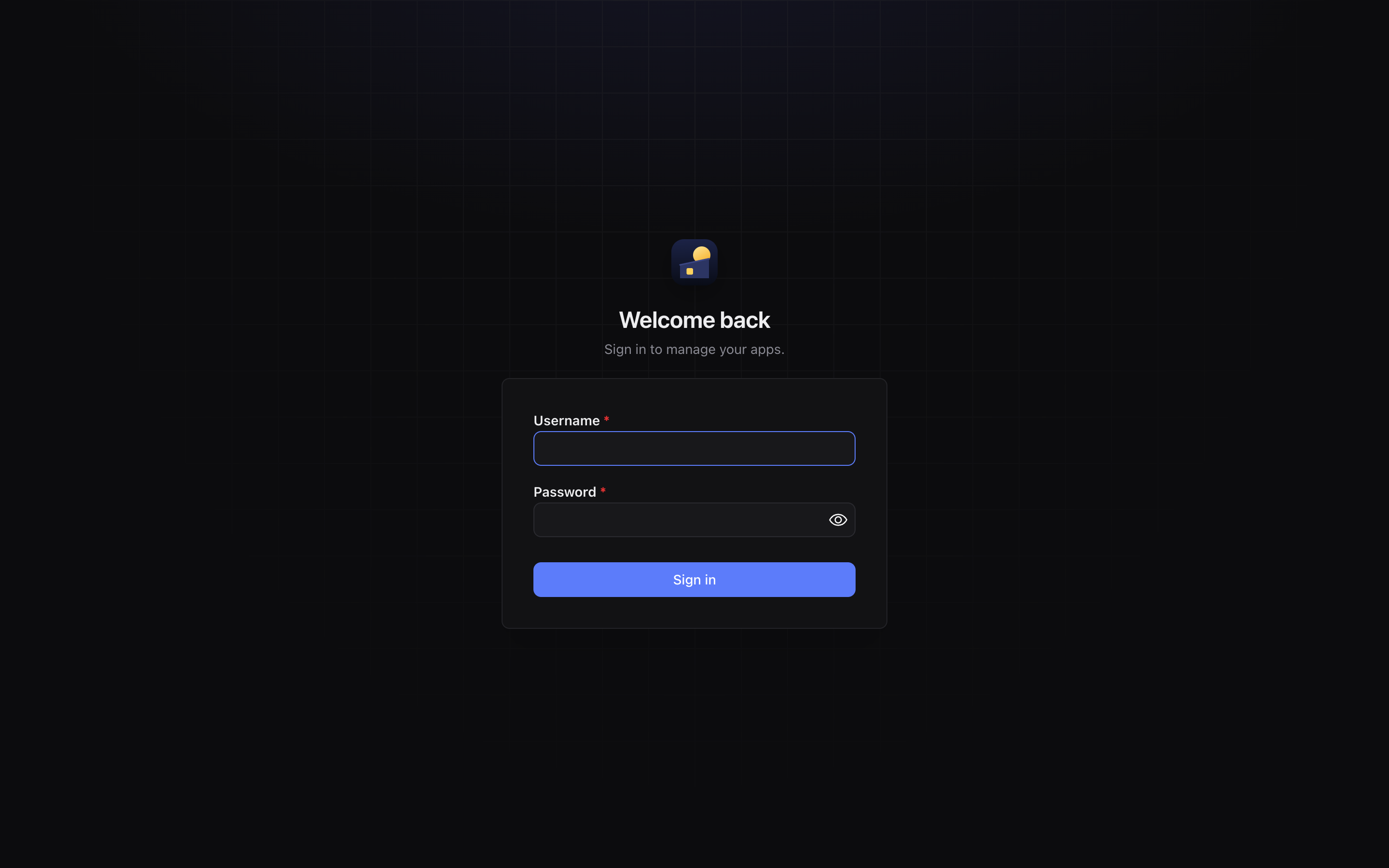
Open http://<your-server>:5050 and create the admin account.
The rest of runtime/ (databases, apps, logs, backups) is created on first run. See Runtime folder for what goes where.
Before you put it on the internet
- The panel on port 5050 is plain HTTP. Give it a domain with HTTPS (Settings › General › Panel domain) and set
panel_addr: "127.0.0.1:5050"so it is only reachable through that domain. See Domains and HTTPS. - Ports 80 and 443 must be free and open for the reverse proxy and Let's Encrypt.
- Install Docker if you want to run Docker apps. Moonshed works without it.
Run in the foreground
To try Moonshed without installing a service:
./moonshed serve -e productionUninstall
sudo ./moonshed uninstallThis stops and removes the service. The runtime/ folder is left as it is.
Build from source
You need Go 1.26+, Node 20+ and Python 3.
git clone https://github.com/SiddheshNan/moonshed.git
cd moonshed
./scripts/build.py
The script asks for the version, the target platforms, the output folder and whether to run the tests. Press Enter to accept the defaults. It writes one folder per platform into dist/, laid out the same as a release archive. The binary is built without CGO, so you can build for any platform from any machine.